You need a Visarun account to start an application. It keeps your applications, documents and messages in one place.
Create an account
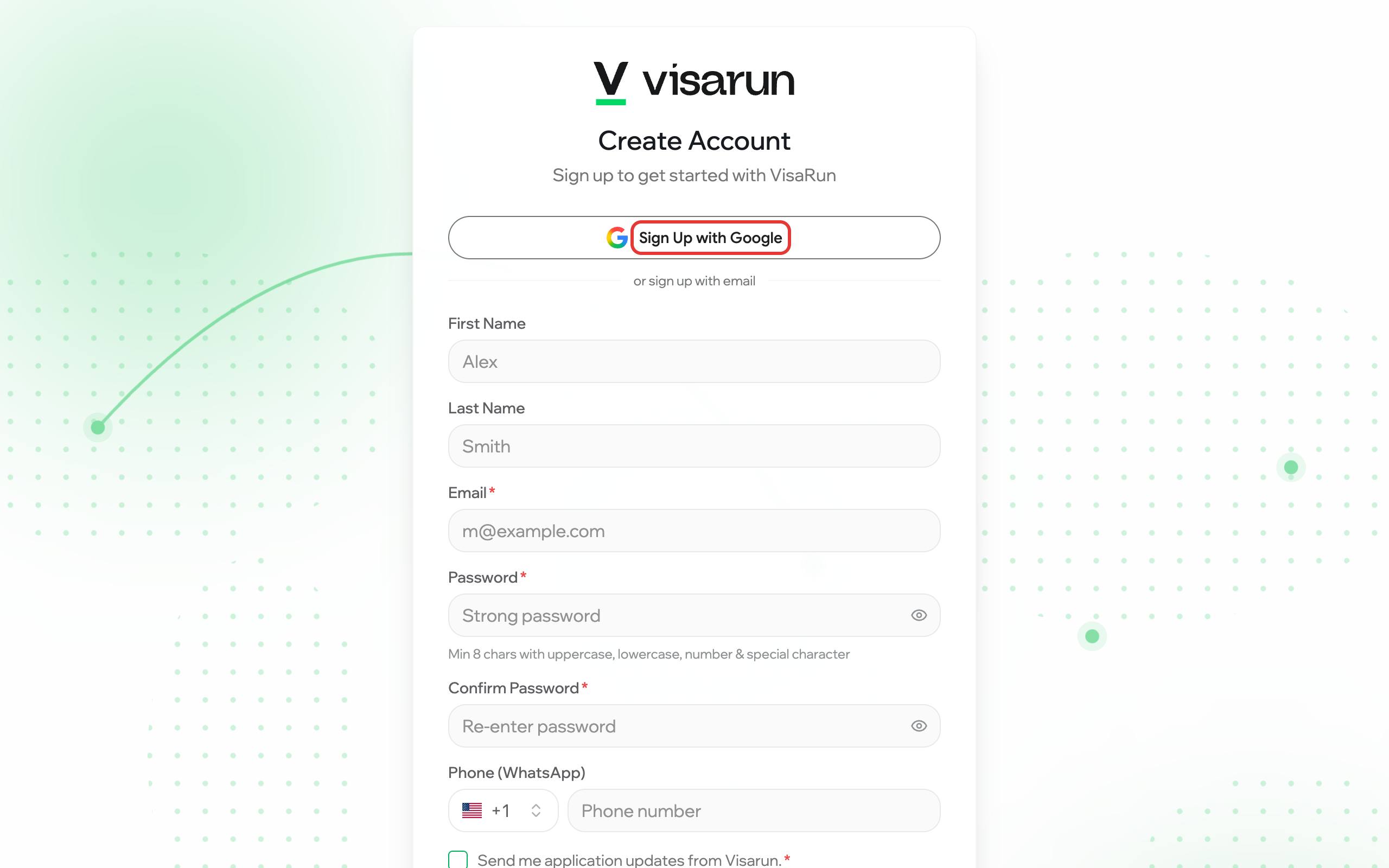
- Open app.visarun.ai and choose Sign up under the sign-in form.
- Either press Sign Up with Google, or fill in your first and last name, your email and a password, and type the password again under Confirm Password. The password needs at least 8 characters, with an uppercase letter, a lowercase letter, a number and a special character.
- Add your phone number if you want updates on WhatsApp. Tick Send me application updates from Visarun (required) and any other box you agree to.
- Confirm your email: open the message we send you and press the link in it.
Sign in
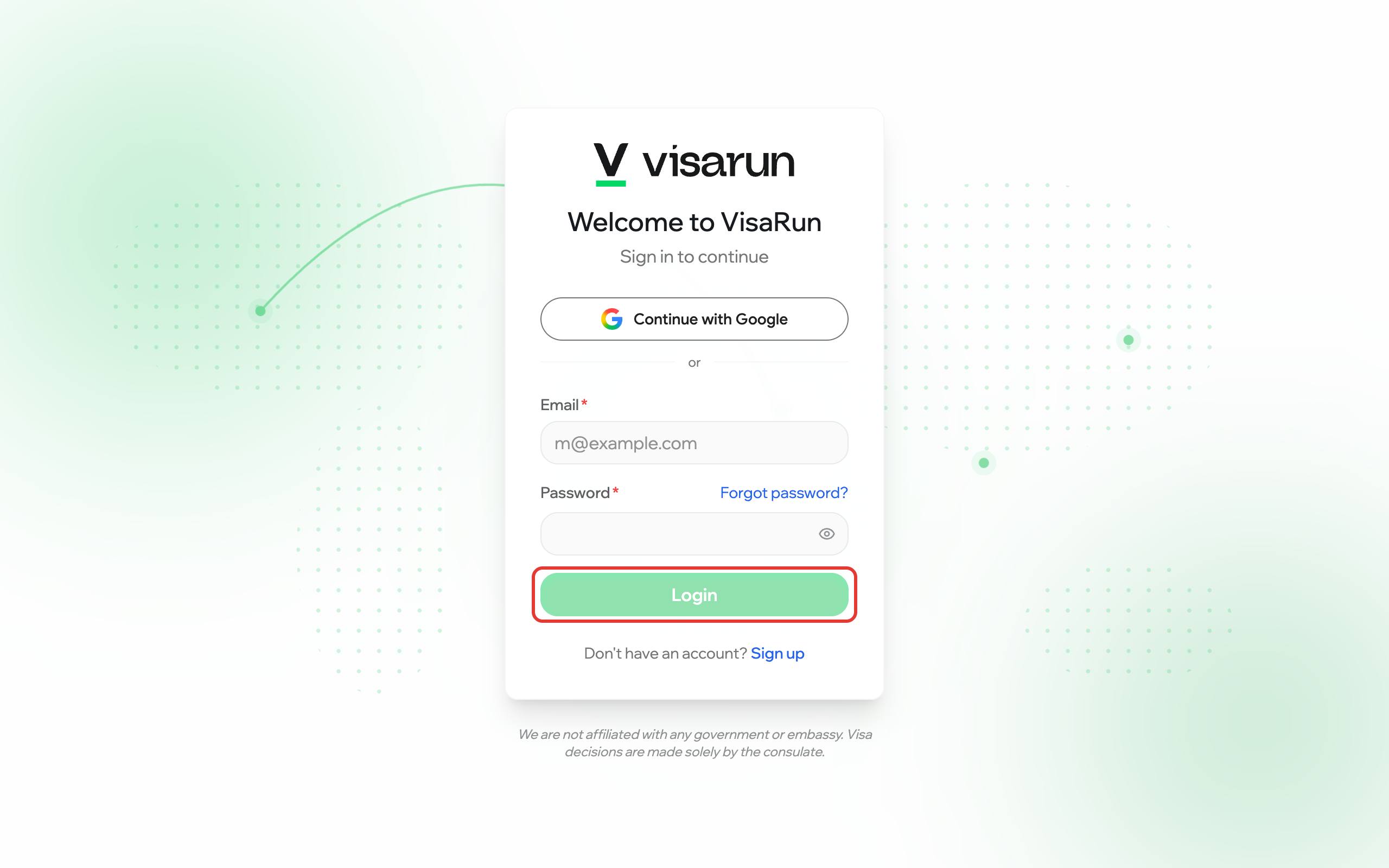
Open app.visarun.ai, enter your email and password, and press Login. If you signed up with Google, press Continue with Google instead.
Forgot your password?
On the sign-in page choose Forgot password?, enter your email, and follow the link in the message we send. The link opens a page where you set a new password.
