Tell Visarun where you are going and on which passport: it checks whether you need a visa and opens the right form.
Steps
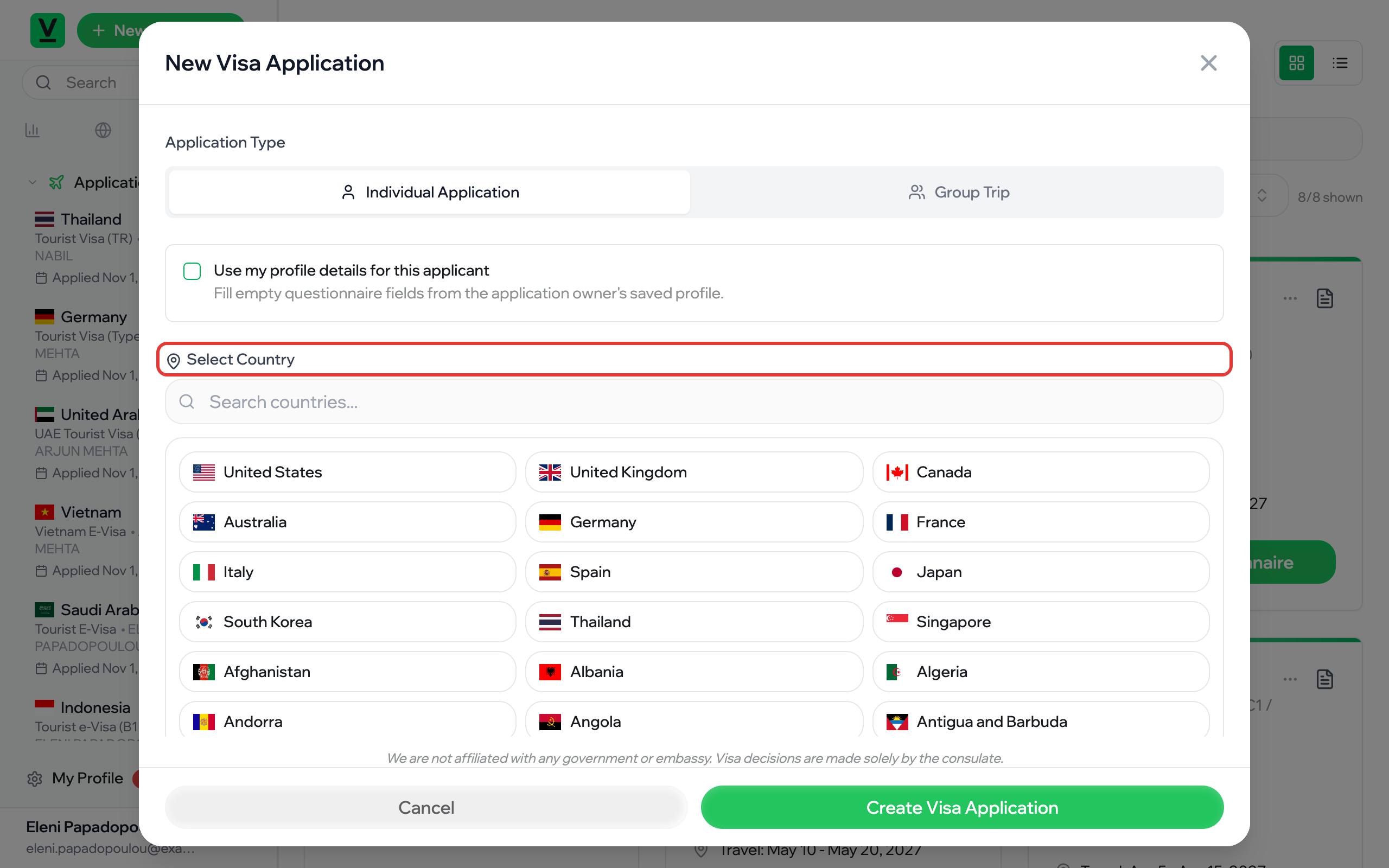
- Press New Application at the top of the sidebar.
- Choose Individual Application for one traveller, or Group Trip when several people travel together.
- Find the destination in Select Country.
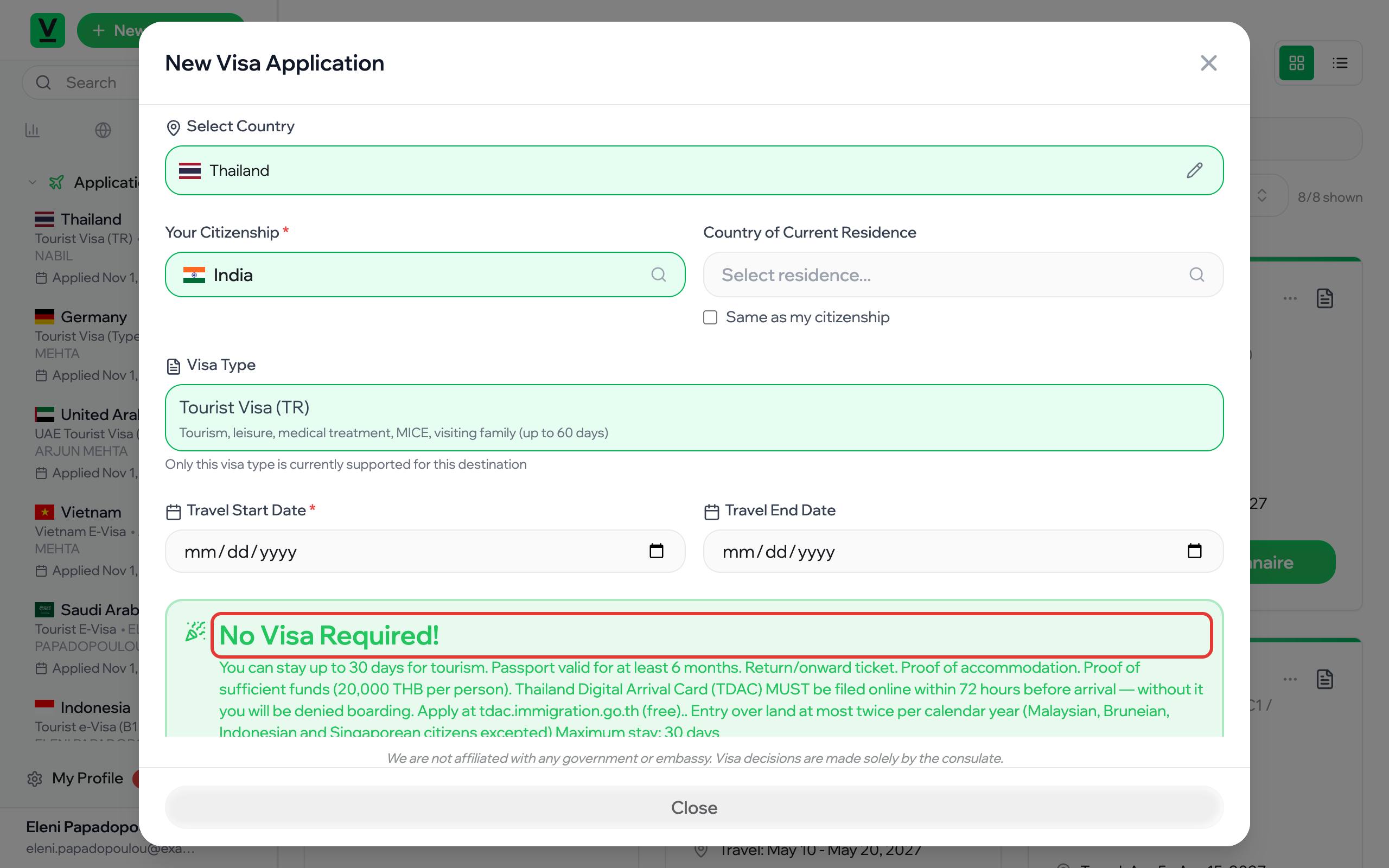
- Choose Your Citizenship: the country of the passport you travel on. Country of Current Residence is the country you live in; tick Same as my citizenship if it is the same.
- Check the Visa Type. When a destination has only one, its description shows what it is (and its fee and validity where the government publishes them); when it has several, pick the one that fits your trip from the list.
- Enter Travel Start Date and, if you know it, Travel End Date.
- Read the result below the form and press Create Visa Application.
What the result means
- Visa Application Required: you need this visa or travel authorisation; the card describes it and shows the usual processing time.
- No Visa Required!: your passport lets you enter without a visa for the stay shown. You do not need to apply.
For some destinations (Taiwan today) the window asks one more question once you pick a citizenship: which visa or residence permit you already hold. Your answer decides which application you file. If no application fits, the window shows Not Available for Your Nationality with a way to contact us, and offers no Create button.
- ESTA Available (United States): you can travel on an ESTA instead of a visa.
Use my profile details
Tick Use my profile details for this applicant when you apply for yourself: empty questions in the form are filled from your profile.
