Upload your passport and photo first: Visarun reads them, fills in the form and checks that the consulate will accept them.
Upload a file
- In the questionnaire, find the document's field, for example Passport Data Page.
- Press Choose File, or drag the file onto the field. JPG, PNG or PDF up to 20 MB.
- Wait a few seconds while Visarun checks the image and reads the text.
What the checks tell you
- Image Quality Check: resolution, sharpness, brightness and contrast. If the quality is low, take a new photo in daylight without flash.
- Your Photo (Headshot): the photo is checked against the photo rules (plain background, even light, face fully visible) and compared with the passport. A message such as No face found on this document tells you what to fix; upload a new photo and the check runs again.
Use Preview document to look at the file, Upload Different Document to replace it, and Remove document to delete it.
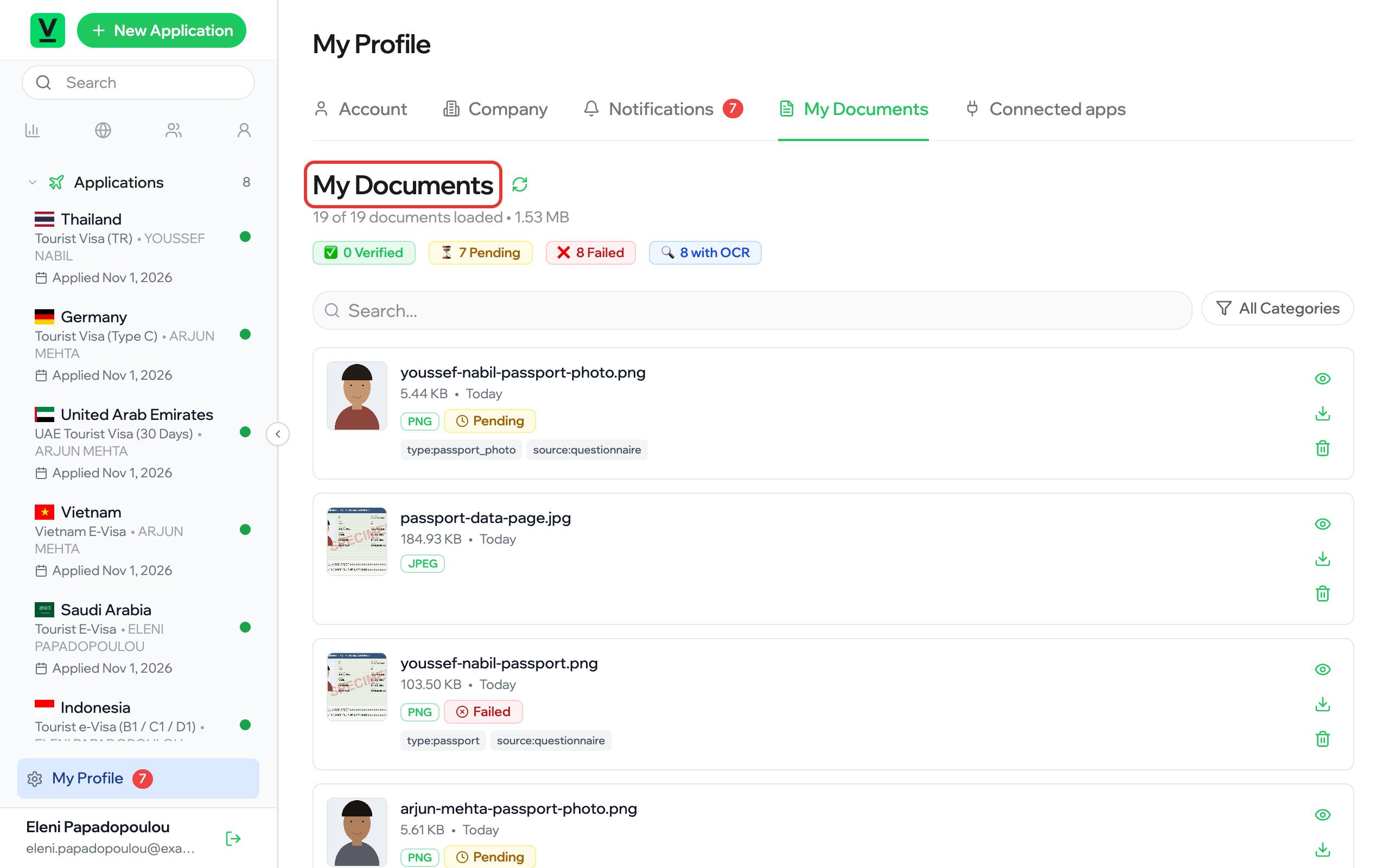
Your documents in one place
My Profile → My Documents lists every file you have uploaded. A document you upload once can be used again in your next application.